You are probably considering upgrading from an HDD to an SSD, transferring data from a smaller SSD to a larger one, or exploring larger storage options. Today, companies like Samsung, Seagate, and Crucial have an array of high-capacity hard drives and SSDs at affordable prices. But if you spend even a few minutes browsing online, you’ll notice that these devices can still be expensive. However, on a tight budget, most people may lean toward purchasing a used or refurbished SATA and NVMe SSD. But is it safe to buy a used SSD?
Sure, a used SSD might save you money upfront, but weighing the risks and benefits before making a purchase is essential. One of the hardest things about SSDs is knowing the amount of life left in them. Although they may seem fine, there’s no way to tell how many terabytes have already been written to them (TBW) or how many hours they’ve been powered on (POH). But why does this matter? SSDs have a finite number of write cycles before they start wearing out. And with a pre-owned drive that has seen heavy use, much of its lifespan could be gone before you even install it.
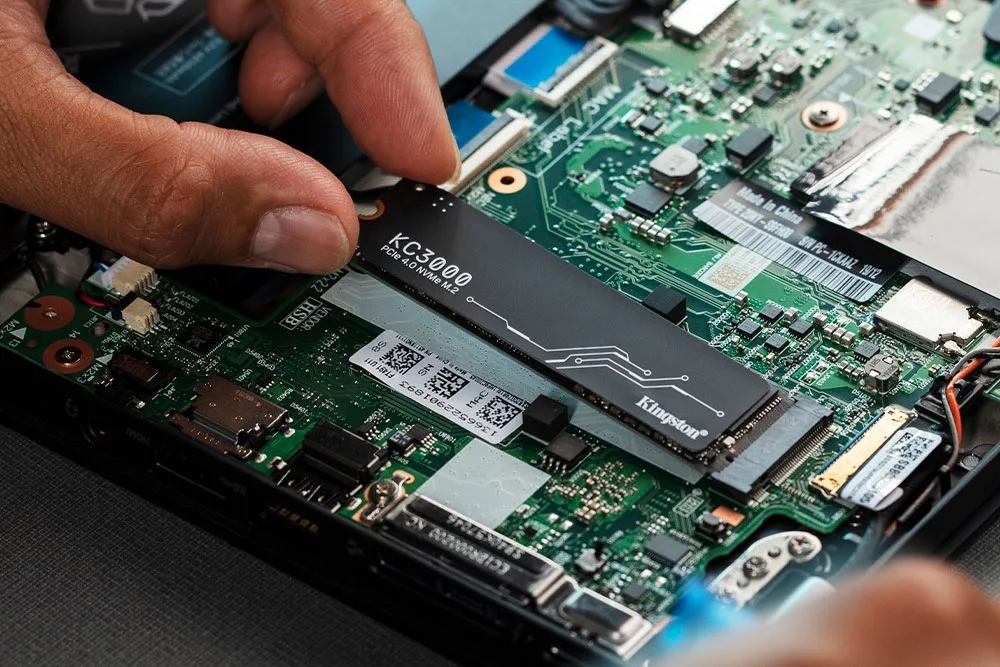
Hence, you need to enjoy the cost benefits without exposing yourself to unnecessary risk of data loss or system instability. For starters, ask the seller for the drive’s model year or even the original purchase receipt. With the model number, you can look up its release date, estimate its age and gauge how much wear it might have endured. Here are other factors you ought to consider.
Other factors you should look for when buying a used SSD
Now, when we talk about an SSD's lifespan, the workload you put on your drive determines how long it lasts. First, consider an SSD being used as a boot or system drive. These drives handle operating system files, application caching, and software updates. So, every time, which is often alot, your computer works in the background, another read/write operation is wearing out the drive. On the other hand, storage SSDs for keeping photo archives or media collections experience fewer write cycles since the data mostly sits untouched. You’ll also want to be cautious about SSDs from enterprises, such as servers, workstations, or crypto-mining rigs. These drives are operated 24/7, subjected to heavy workloads that can shorten their lifespan.
When buying a used SSD, who you buy from matters just as much as what you're buying. Hence, choosing a reputable seller makes all the difference between getting a good drive and ending up with a faulty, counterfeit, or worn-out one. You might be tempted to buy from individual sellers, especially on auction sites or unverified marketplaces, but this is often taking a gamble. Unless the seller provides detailed usage statistics, health reports, and clear, high-quality photos of the drive, it’s best to keep away. Also, remember that an SSD priced well below market value could have excessive wear, counterfeit components, or other defects. Actually, if the price looks unusually low, there’s often a reason for it.
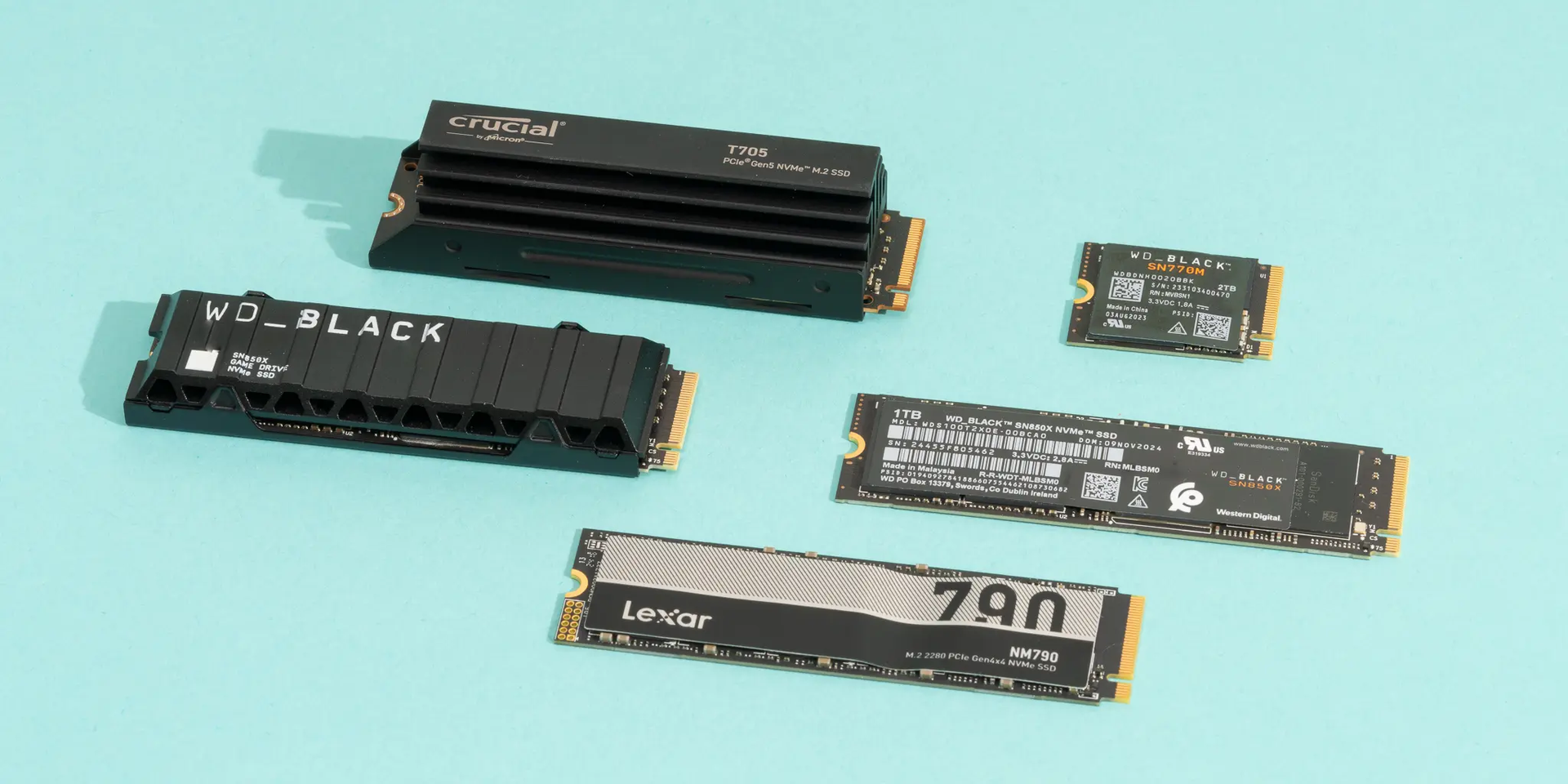
In addition, used SSD drives may contain residual files, hidden partitions, or even malware that could compromise your computer system. And did you know that formatting a used SSD isn't enough to remove sensitive data? Wear-levelling algorithms and over-provisioning space make formatting insufficient, and you could inherit the previous owner's personal information or system vulnerabilities. Therefore, securely erasing a drive is mandatory before using it.
How to avoid buying a used SSD that will frustrate you
Once you’ve got the drive in hand, run SMART (Self-Monitoring Analysis and Reporting Technology) diagnostics to check its health, paying close attention to TBW, firmware health, and power-on hours. Tools like CrystalDiskInfo give you invaluable insights into the TBW and POH. If you find a drive showing high TBW, especially compared to its manufacturer-rated endurance, that's a clear sign of heavy use.
Before buying that used SSD, keep in mind that you should stick with platforms like Amazon Renewed or Back Market that properly vet their inventory. Even better, manufacturers such as Samsung or Crucial have certified refurbished drives with the assurance of professional diagnostics and any necessary part replacements. While at it, remember to review seller ratings and customer feedback. After all, platforms like Amazon Renewed and Back Market provide transparent grading systems and authentic buyer reviews, making it easier to separate genuine bargains from risky offers.
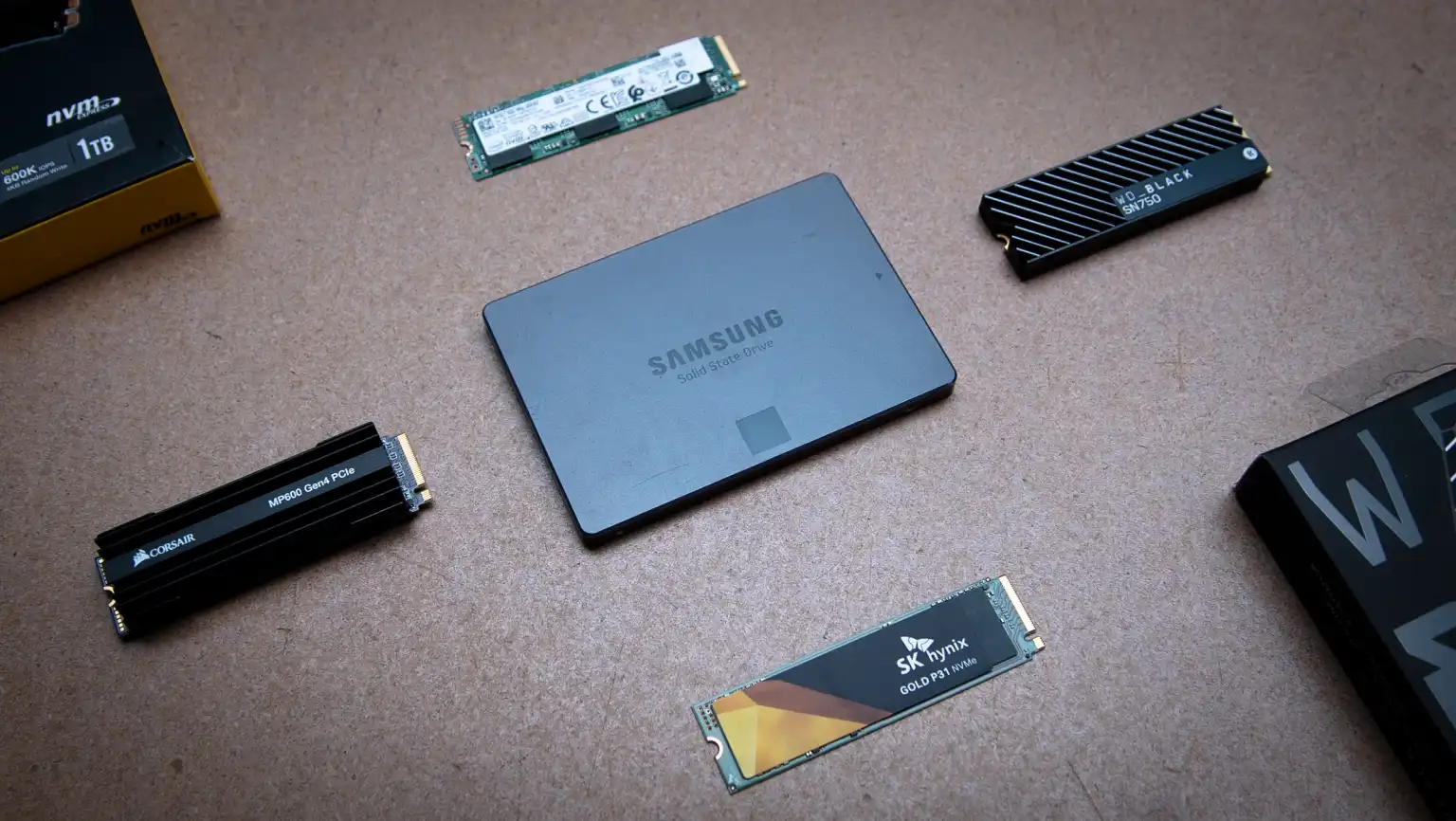
Finally, after getting the used SSD, reset the drive using the built-in “Secure Erase” command provided by the SSD manufacturer or available through your system’s BIOS/UEFI interface. If that’s not an option, a low-level format is a reliable alternative. On Windows, you can use diskpart clean all, while Linux users might turn to tools like hdparm or blkdiscard. These methods force a complete TRIM operation, ensuring every block is cleared. A critical rule is never to trust a used SSD with an operating system installed. Even if it looks clean, hidden malware or malicious bootloaders could be installed.