There's no doubt that the internet has transformed the way we live, work, and communicate, and at the heart of this connectivity is WiFi. As a result, a strong and reliable WiFi connection has become a necessity for every home, business, and corporate office. That’s why so many of us don’t hesitate to pay a premium for the highest speeds our internet providers offer. But while we might enjoy the convenience and flexibility, the real bottleneck remains getting rid of substandard speeds and Wi-Fi dead zones. In fact, dropped connections, buffering videos, and sluggish downloads can disrupt your productivity and enjoyment. The good news, however, is that boosting your network’s performance doesn’t always require expensive upgrades. Sometimes, maximizing your WiFi signal lies in simple steps such as upgrading your WiFi antenna.
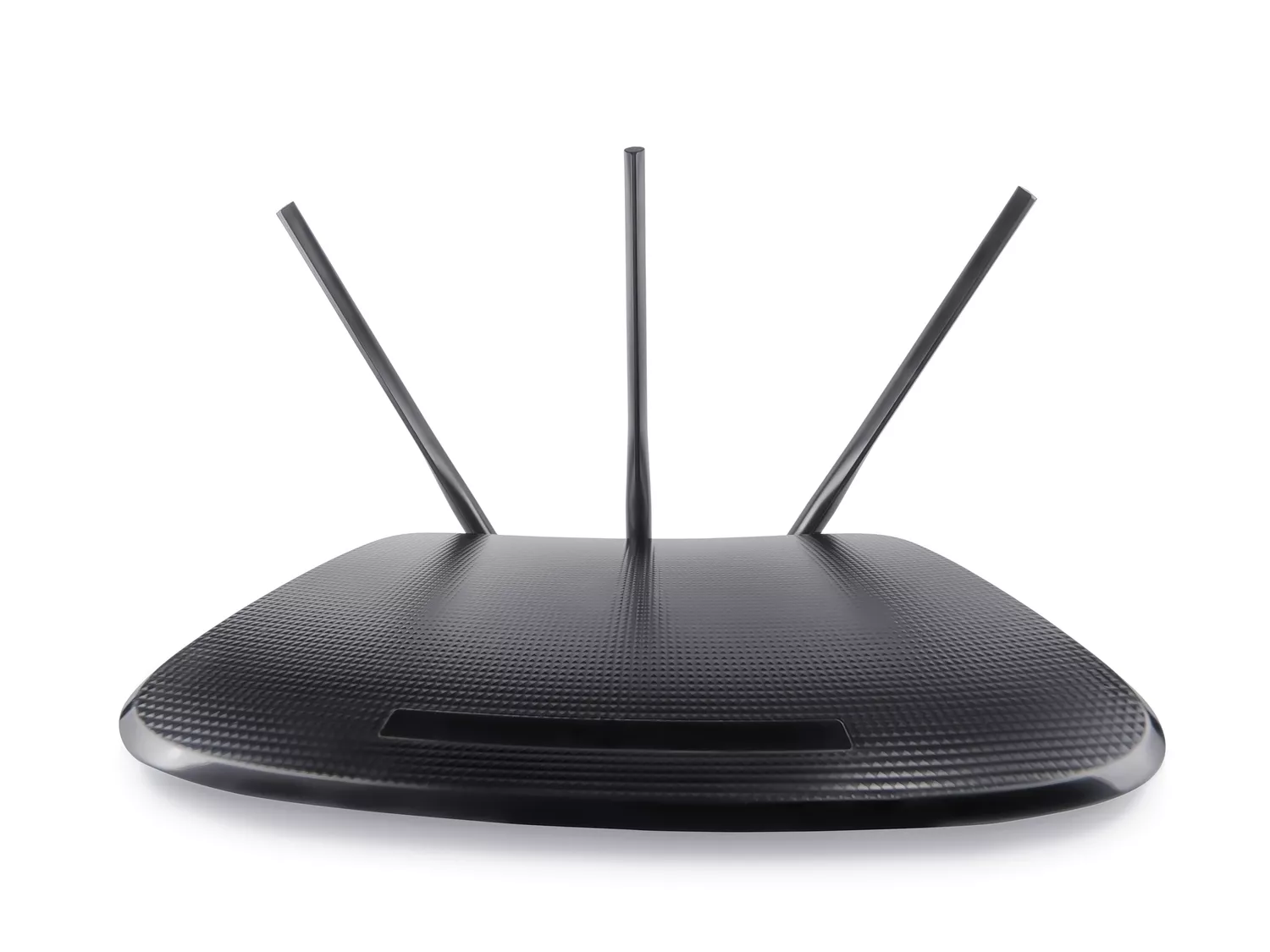
While many people blame their internet service provider or router for poor connectivity, the antenna is often overlooked. Actually, it makes the difference in the reach and strength of your signal. They do this by transmitting and receiving radio frequency (RF) signals across your network. So, upgrading or replacing your WiFi antenna will improve the performance of your network especially if your house is larger or you experience frequent disconnections. However, upgrading your Wi-Fi antenna depends on your existing equipment. Many modern routers have removable antennas with standard connectors, which makes swapping them out for higher-performance options easier. That said, some routers are designed with internal antennas requiring you to invest in a mesh Wi-Fi system or adding an external access point to extend your coverage.
How Wi-Fi antennas work (and why they matter)
As we’ve already established, a Wi-Fi antenna strengthens the connection between your router and your devices by improving the range and stability of your signal. As such, a higher-quality or omnidirectional antenna will effectively enhance your signal strength and coverage, reducing those frustrating dead zones throughout your home or office. Luckily, when it comes to types of Wi-Fi antennas, you can choose from several options.
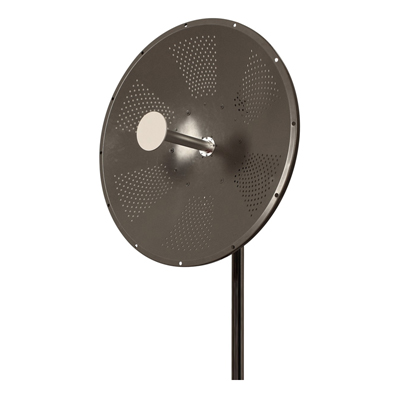
For starters, omnidirectional antennas broadcast and receive signals evenly in all horizontal directions, offering 360-degree coverage. These are ideal for household coverage where devices are distributed throughout the space around the router. On the other hand, directional antennas focus the signal in a specific direction (or in patterns of 35 to 60 degrees), boosting range and signal strength. Hence, they're perfect for long-range point-to-point connections or targeted coverage areas, such as outdoor setups or particular rooms that need extra attention. Many modern routers, however, either have a dual-band (2.4 GHz and 5 GHz) or tri-band (2.4 GHz and two 5 GHz or a 6 GHz) antennas. While not always labeled as distinct "antennas," these multi-band systems offer a broader compatibility and better performance.
Unfortunately, the standard stock antennas in many routers have some common issues. Besides being basic, they have a limited range and they often struggle in providing 360-degree coverage. Sure, these antennas might suffice for small, open spaces, but your connection will be weak and inconsistent if you want to extend your WiFi range outside your home.
How to upgrade your Wi-Fi antenna
Of course, improving your Wi-Fi signal doesn’t always require buying a brand-new router. And sometimes, replacing your WiFi router's antennas is all it takes to improve your WiFi connectivity. However, you must first ensure that your router supports external antenna upgrades. So always look for models with detachable external antennas and standard connectors like SMA or RP-SMA. However, newer Wi-Fi 6E models have integrated antennas due to regulatory constraints or design choices.
Next, choose the right replacement antenna depending on your needs. Now, you’ll choose between the omnidirectional antenna (for improved 360-degree coverage), directional antenna (for concentrating the signal toward a specific zone), or multi-band routers (for improved speed, especially on modern routers). While at it, select the right antenna that not only boosts your network's performance but also maximizes the value of your upgrade.
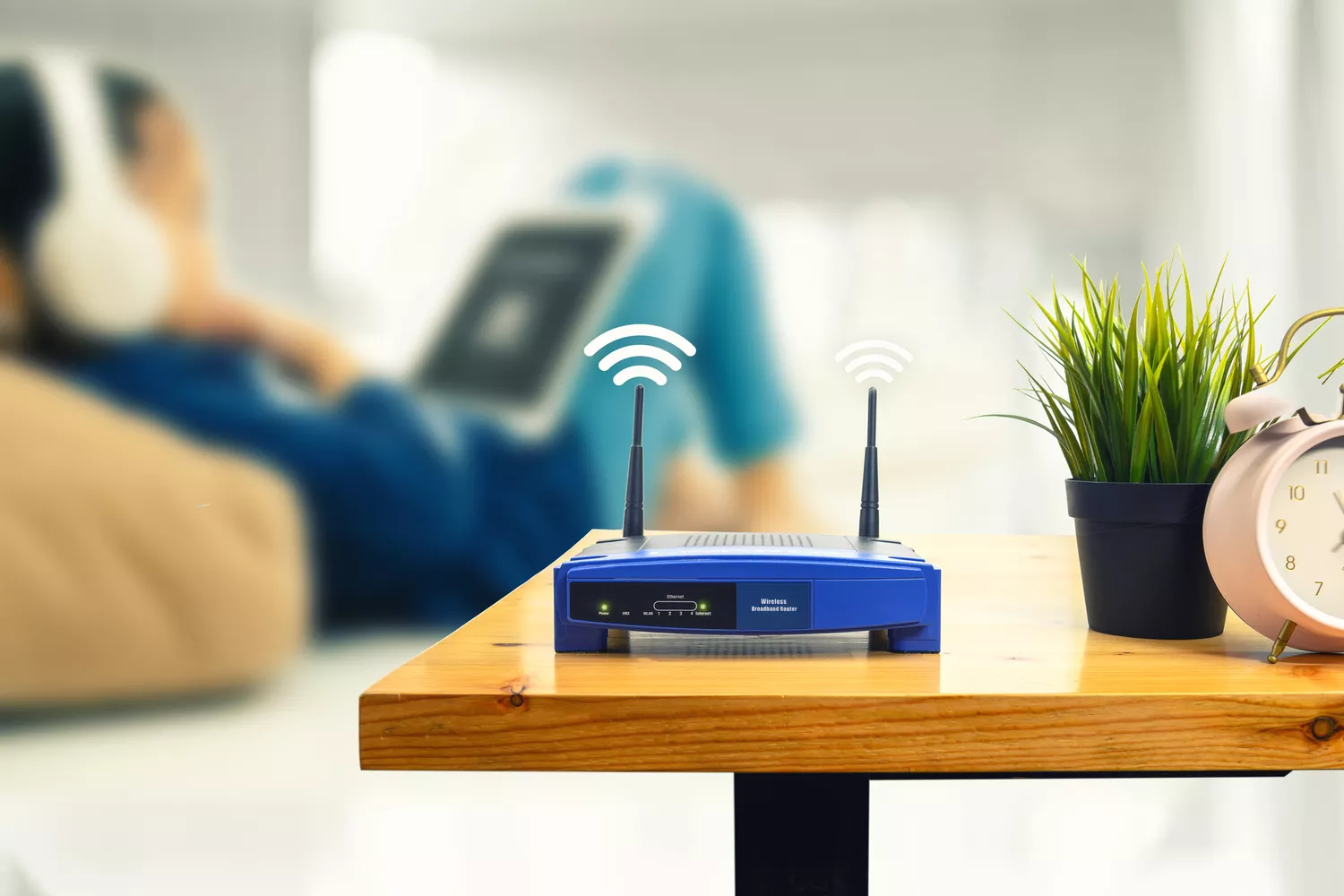
Once you’ve got your replacements, power off your router before beginning any work. Then, carefully unscrew to remove the existing antennas, taking note of how they're attached, and match your new ones to the proper connectors, such as RP-SMA or SMA. When you’re done, don’t hesitate to experiment with placement. In fact, you can place the antenna higher and minimize physical obstructions like walls or large furniture.